
Chat Phishing: Why Workplace Chat Scams Are Getting Harder to Spot
Workplace chat tools help teams move quickly. They make it easy to ask questions, share updates, approve requests, and get work done without waiting for a formal email.
But that speed can also create risk.
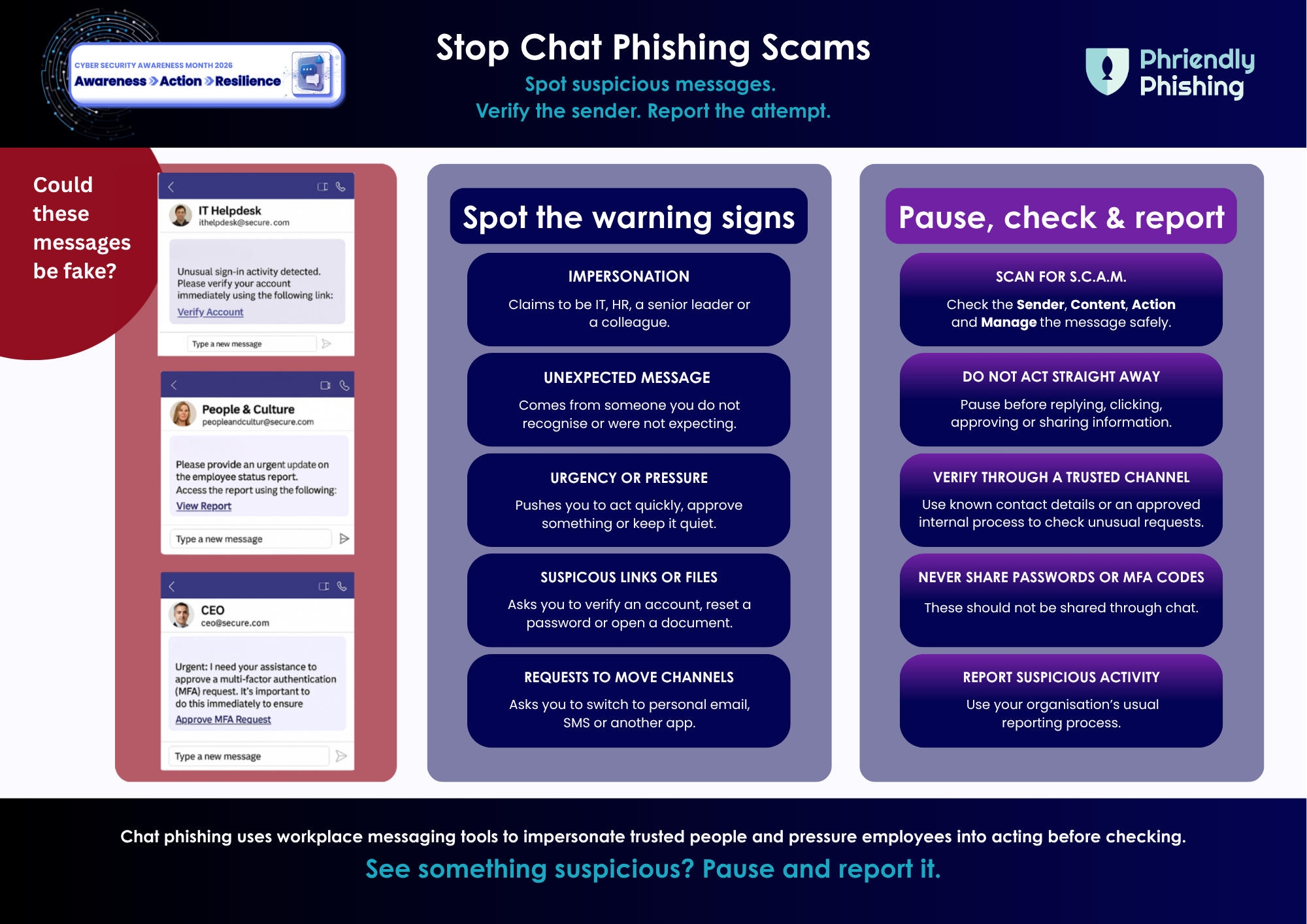
Chat Phishing is when scammers use workplace chat tools or messaging platforms to impersonate trusted people or services. A message may appear to come from IT, HR, a senior leader, a colleague, or an external contact.
It might ask someone to click a link, open a shared file, verify an account, share sensitive information or move the conversation to SMS, personal email or another platform
Because these messages appear in a familiar place, they can feel less suspicious than a phishing email. That is what makes it harder to spot.
Why Chat Phishing works
Employees are used to responding quickly in chat. Messages are often short, informal, and part of the normal flow of work. Scammers take advantage of this by making requests feel routine, such as:
- “Can you quickly approve this?”
- “Please verify your account.”
- “I need help with this urgently.”
- “Can you open this file?”
- “Please confirm your MFA code.”
- “Message me on my personal number.”
These requests can look professional, polite, and familiar. With AI, they can also be more polished, personalised and convincing. That means employees can no longer rely only on obvious spelling mistakes or strange formatting. A message may look legitimate and still be unsafe.
Signs a chat message may be suspicious
Before responding, look at what the message is asking you to do. Be cautious if the message includes:
Unexpected urgency: The sender wants you to act quickly, approve something immediately, or skip normal processes.
A link or file you were not expecting: The message asks you to open, download, verify or sign in through a link.
A request for passwords, MFA codes or sensitive information: Passwords and MFA codes should never be shared through chat.
An unusual sender or request: The message appears to come from someone you know, but the request feels out of character.
A request to move off-platform: The sender asks you to continue the conversation through personal email, SMS or another external platform.
What to do before you respond
When a chat message feels unusual, urgent, or unexpected, pause before you act. Ask yourself: Do I know who is really behind this request?
Before replying, clicking, approving or sharing, verify the request through a trusted channel. Contact the person directly using known contact details, not the details provided in the suspicious message.
If the message looks suspicious, report it through your organisation’s usual reporting process.
Reporting matters. One suspicious message may be part of a wider attack. A quick report can help security teams block malicious links, warn other employees, and prevent others from being targeted.
Build safer chat habits
Chat Phishing works because it blends into the tools employees already use every day. Organisations can help by making it clear: The goal is not to make employees suspicious of every message. It is to help them pause when something feels unusual, urgent, or unexpected.
Download the Weekly Tipsheets
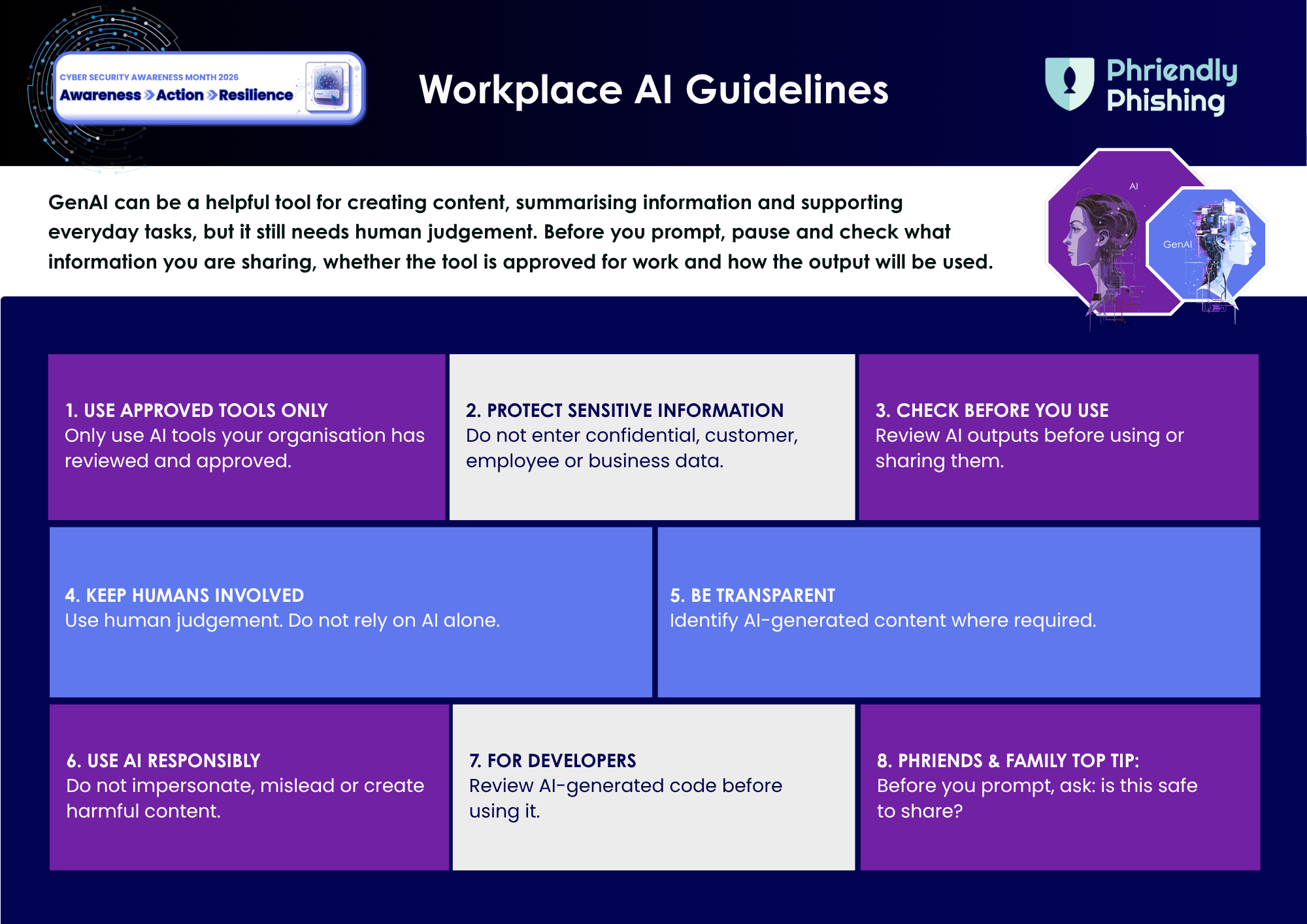
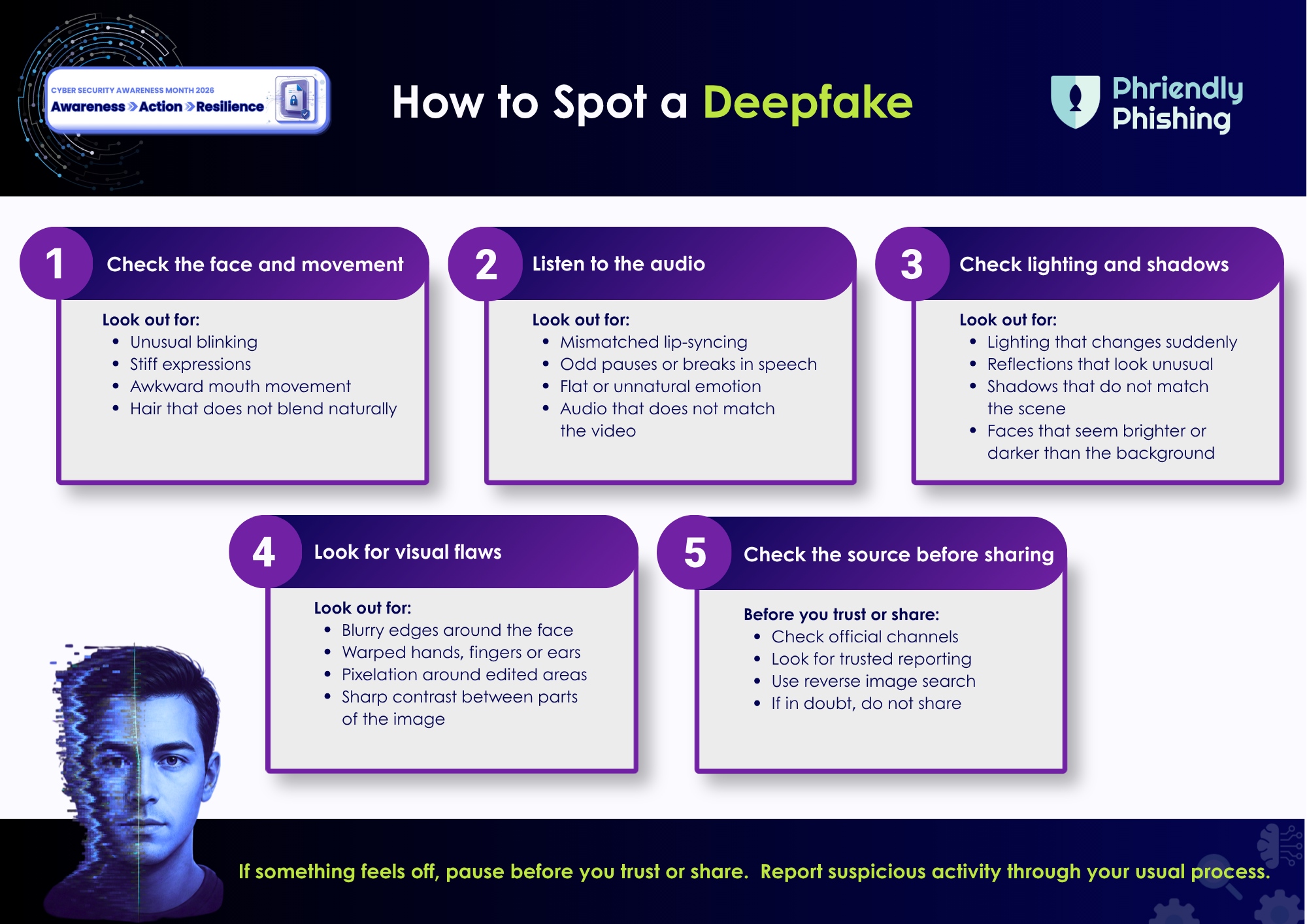
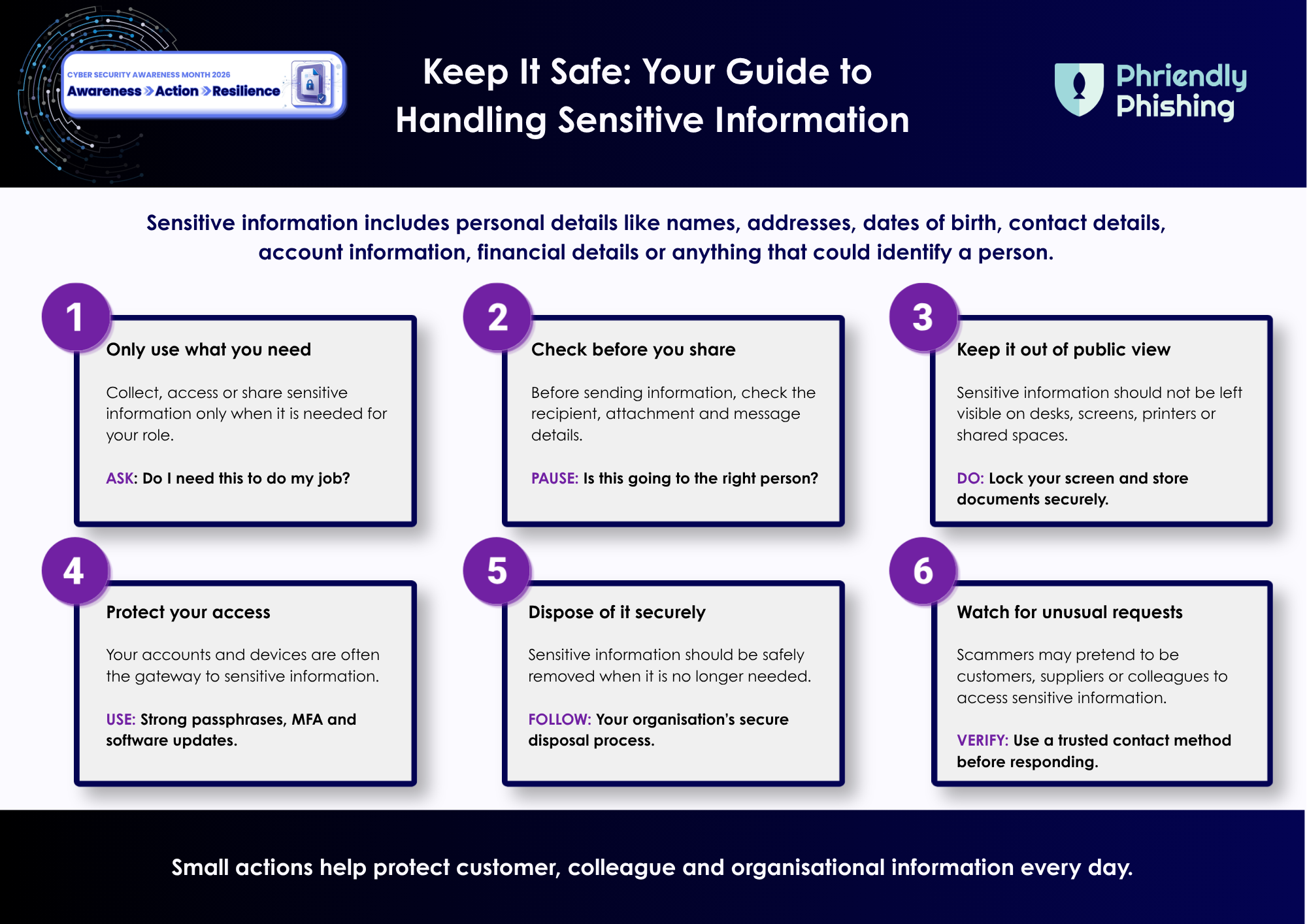
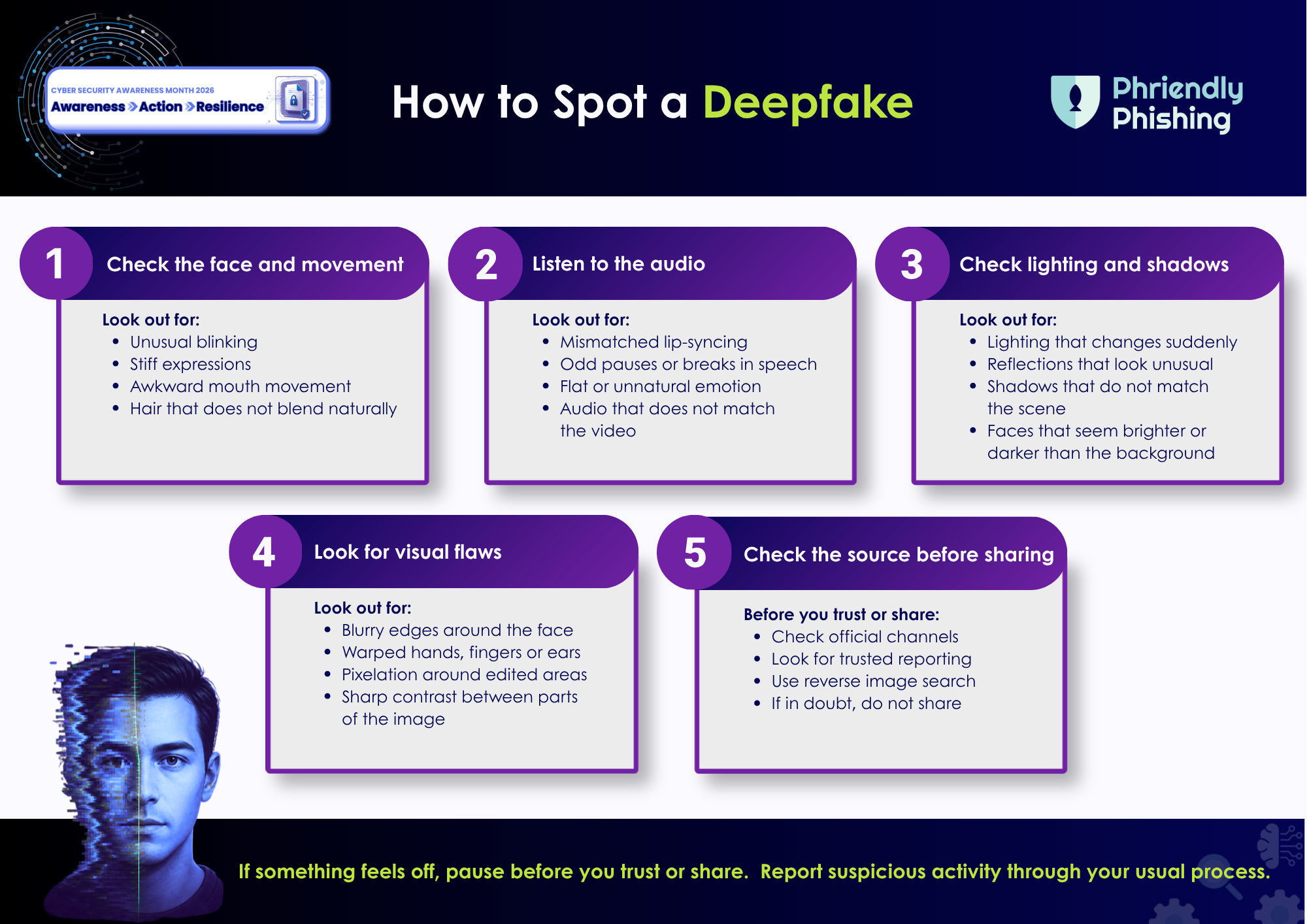
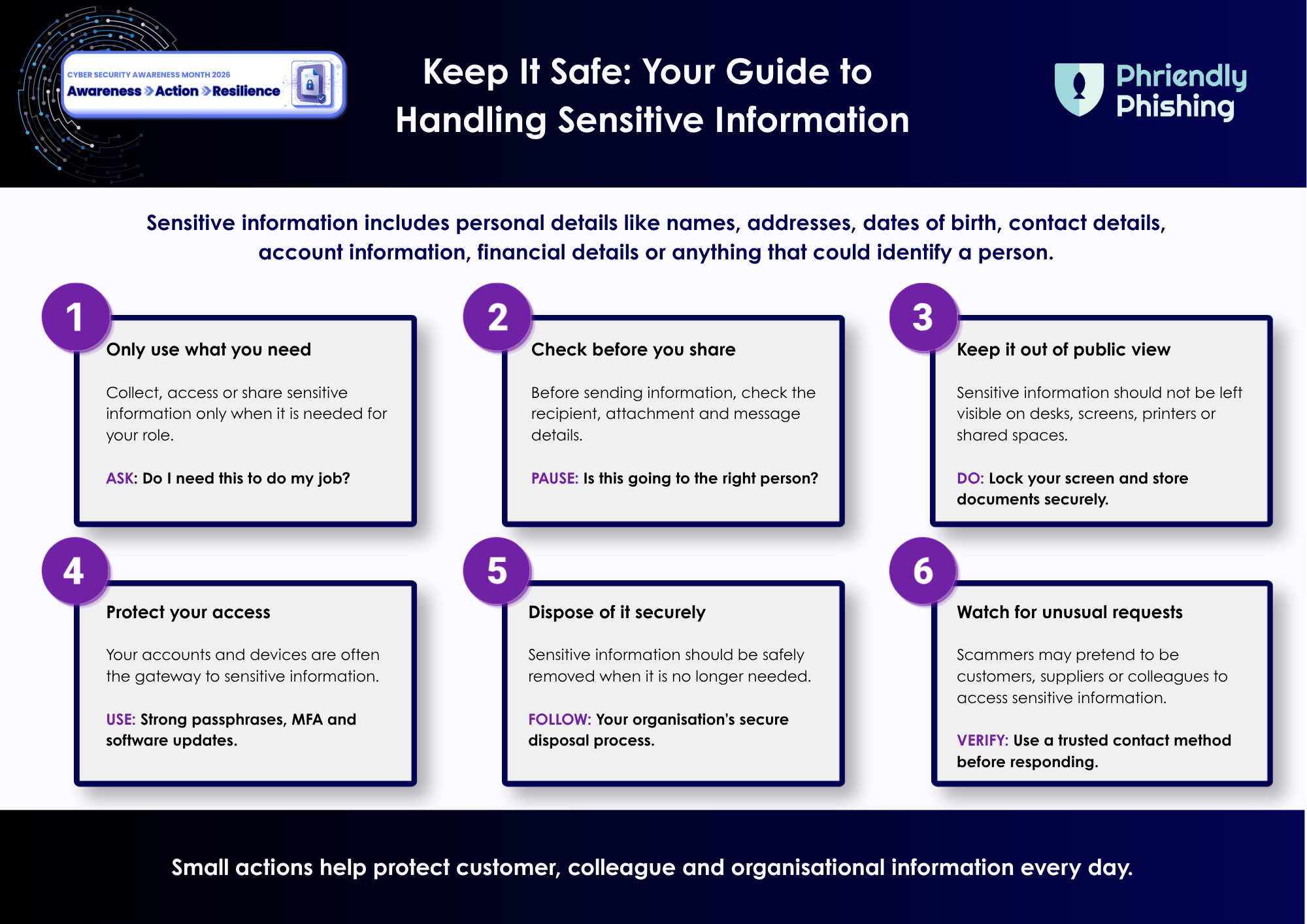
Keep the key behaviours front of mind with four quick-reference tipsheets. Share them with your team throughout the month to support safer everyday actions across Gen AI, Chat Phishing, deepfakes and sensitive information.
Tell us what you thought of the material by completing a quick survey.
Here at Phriendly Phishing, we pride ourselves on staying ahead of the curve by always adding new, relevant, and localised content for our learners.
Discover how Phriendly Phishing can help protect your business and employees from the ever-growing threat of phishing attacks and data breaches.

Phriendly Phishing Copyright © 2026 | Terms and Conditions | Privacy Policy